Label Created
The shipment details were sent to the carrier. The first physical scan may not appear immediately.
PetLink Delivery Desk
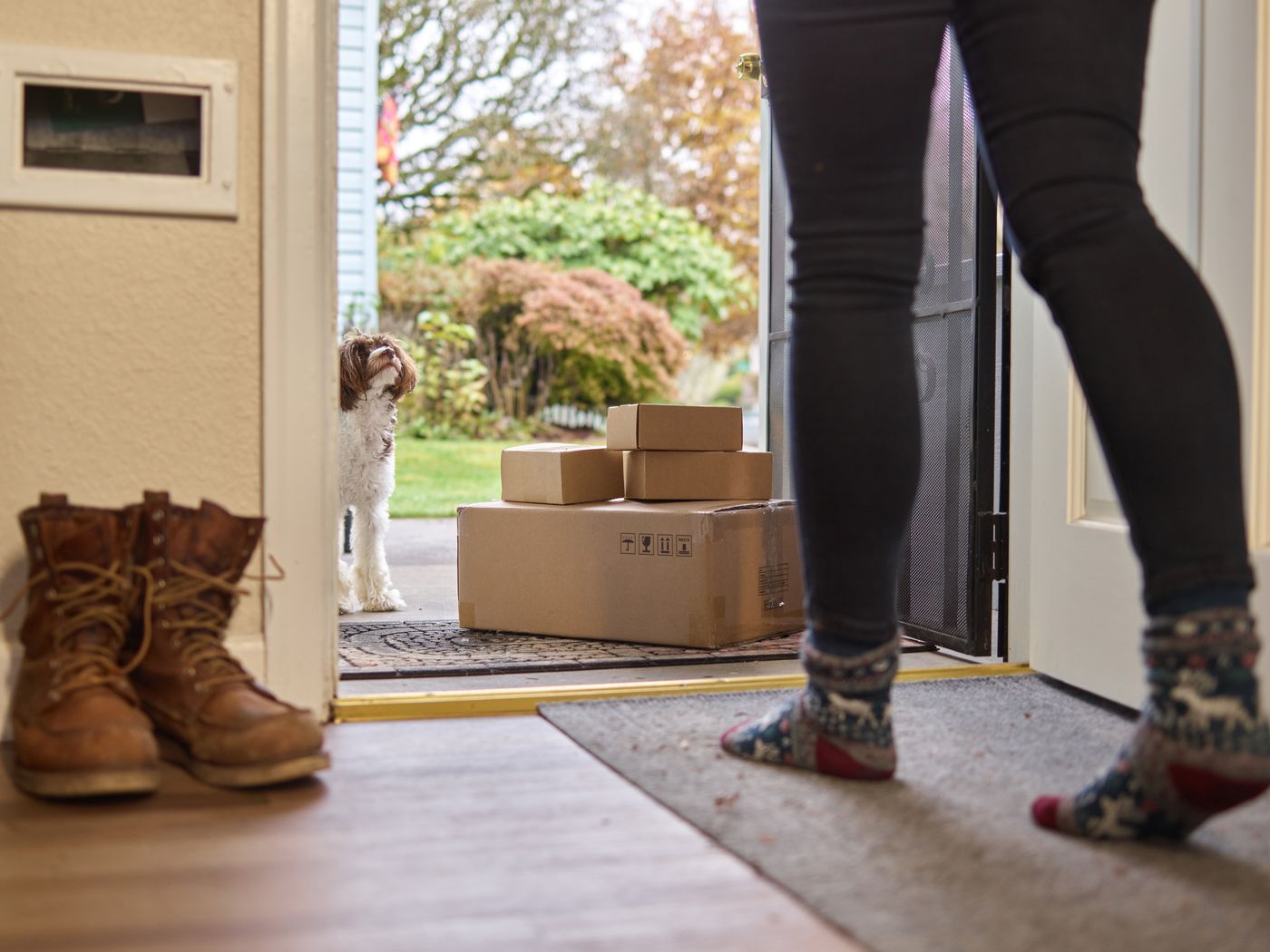
Follow your PetLink delivery from dispatch to doorstep. Enter the tracking number from your shipping confirmation email to view the latest carrier updates.
Live Carrier Lookup
Use the tracking number shown in your shipping confirmation. Carrier activity may take up to 24–48 hours to appear after dispatch.
Each delivery moves through a clear sequence. Your tracking page will show the latest carrier scan and the next expected step.
Your order has been received and its details are being checked for preparation.
Your smart pet products are being prepared, packed, and readied for carrier collection.
A tracking number is activated once the carrier receives and scans your package.
Your package moves through the carrier network toward your local delivery facility.
Your order reaches the delivery address entered during checkout.
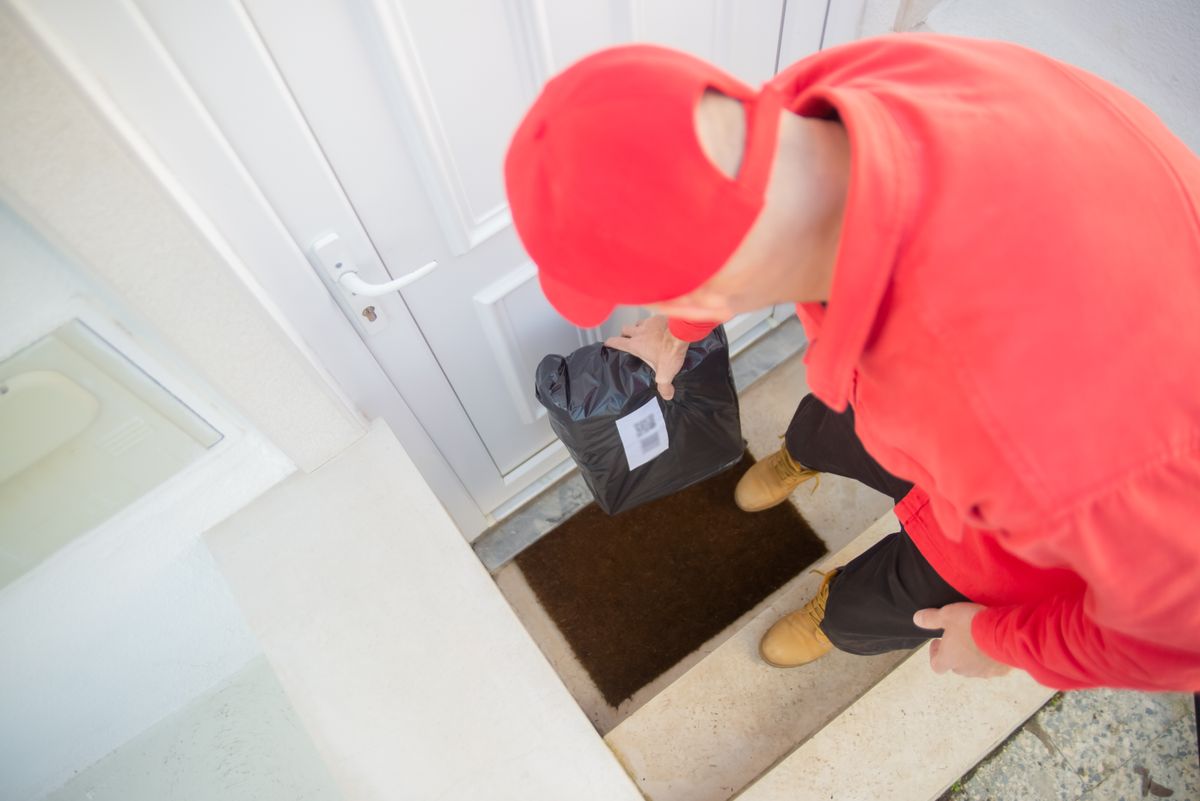
Carrier language can be brief. These common statuses explain what is happening behind each scan.
The shipment details were sent to the carrier. The first physical scan may not appear immediately.
The package is moving through sorting facilities and may travel without a new scan between locations.
The package has reached the local route and is scheduled to arrive at your address that day.
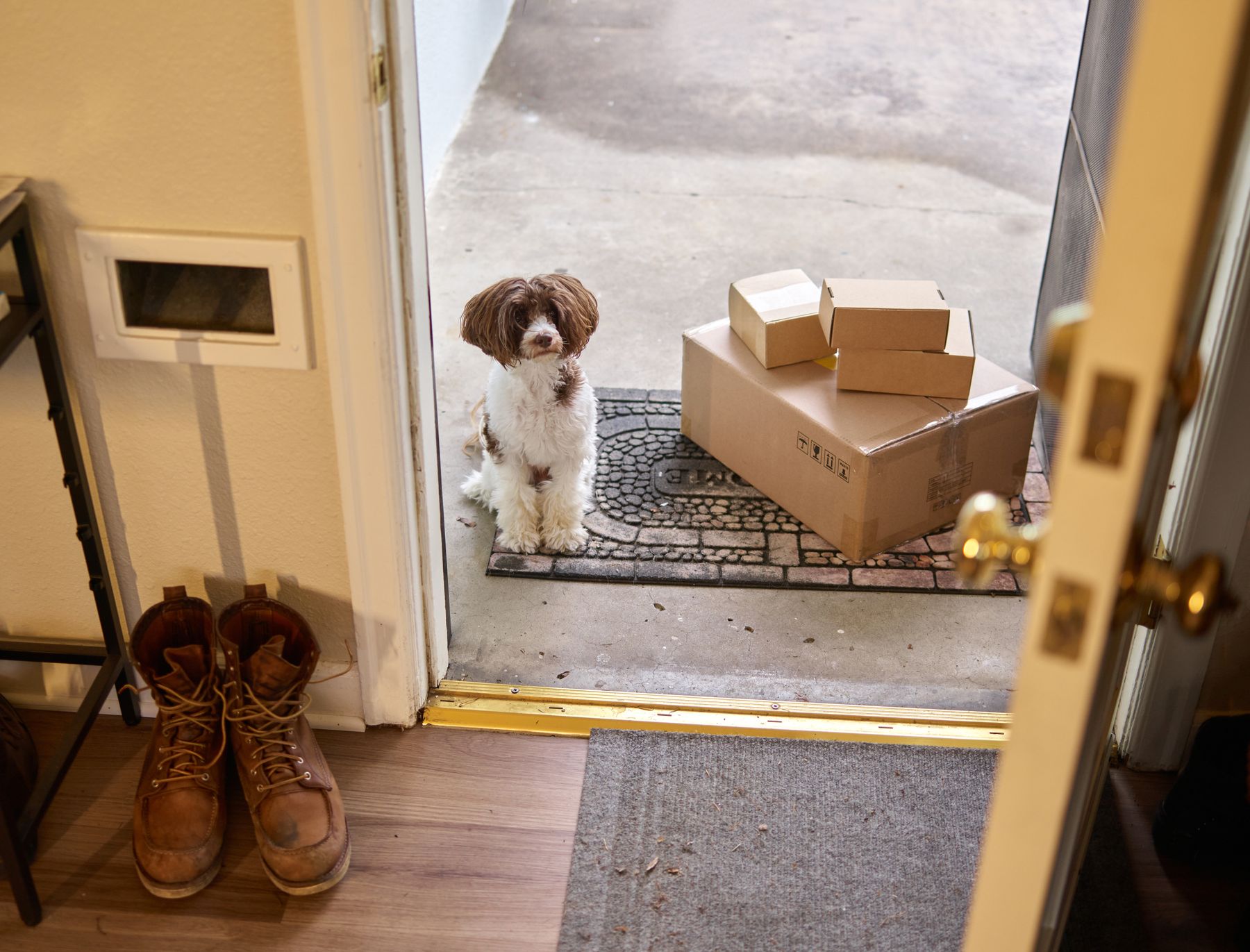
The carrier recorded the delivery. Check the stated location, entrance, mailbox, or safe-drop area.
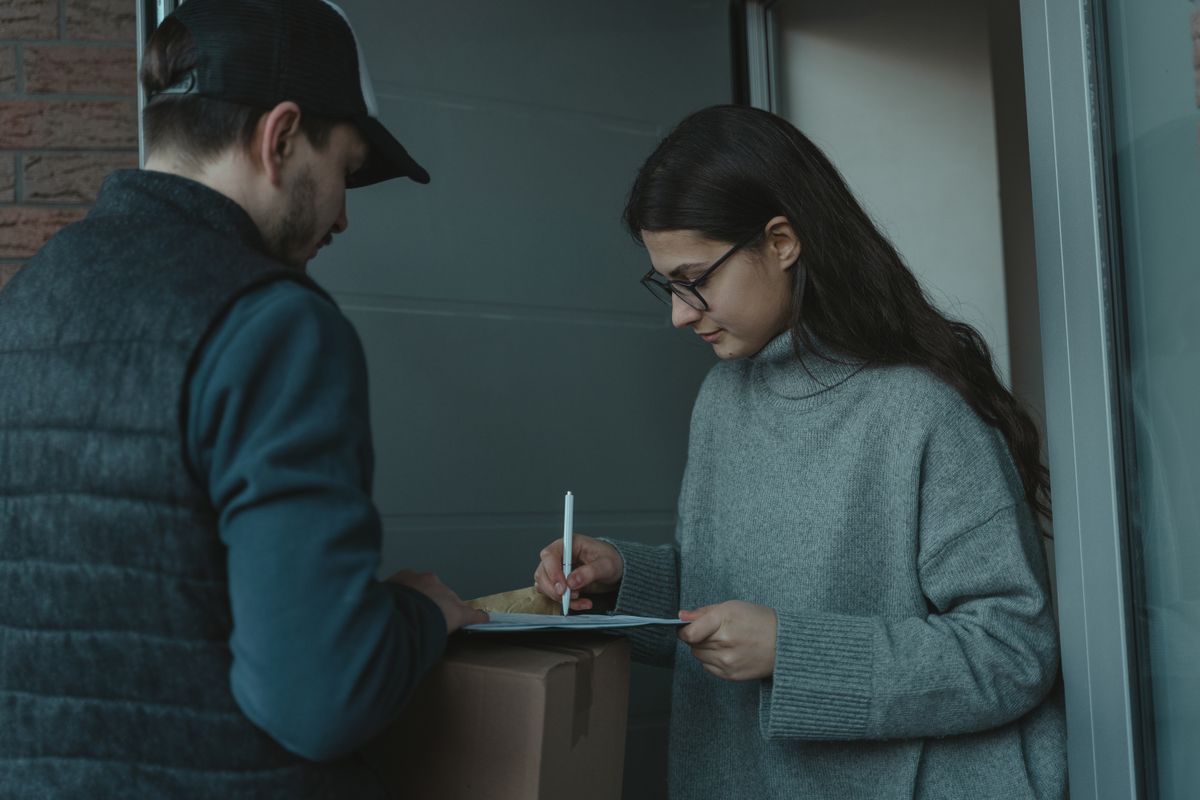
A few simple checks help your smart feeder, tracker, safety device, or pet-care essential reach you without delay.
Check the carrier page on delivery day for route updates, timing changes, or delivery instructions.
Make sure gates, porches, reception areas, and designated safe-drop locations are easy to reach.
If marked delivered, look around entrances, mail areas, side doors, building reception, and household safe places.
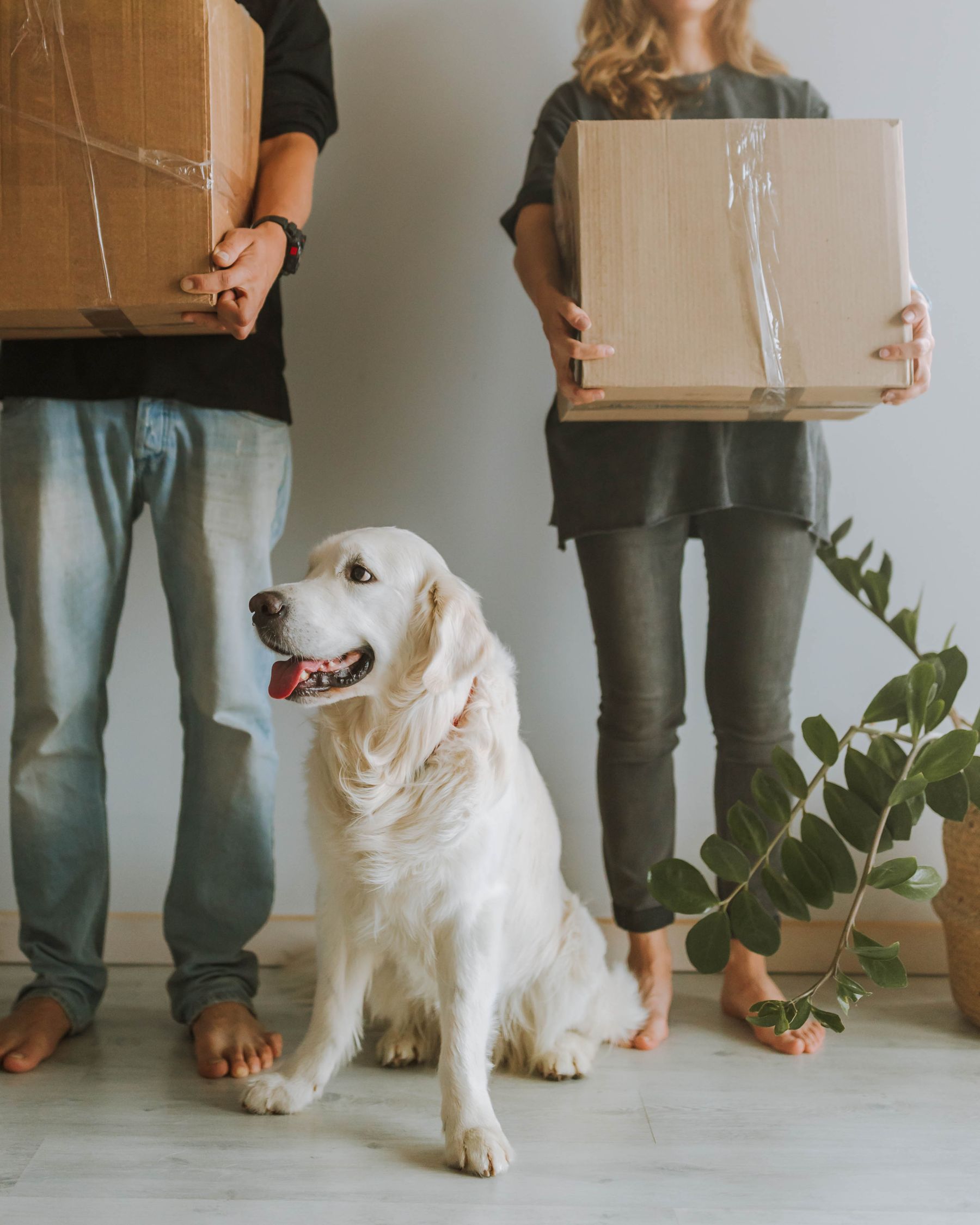
Useful answers for delayed scans, delivery timing, multiple packages, and other common order-tracking questions.
Your tracking number is included in the shipping confirmation email sent after your package is dispatched. Check your inbox and spam or promotions folders if you do not see it.
A shipping label can be created before the carrier completes its first physical scan. Please allow 24–48 hours after receiving your shipping confirmation for the first update to appear.
Standard delivery is generally 3–5 business days. Carrier conditions, severe weather, public holidays, remote locations, and address issues can occasionally affect the estimated arrival date.
Packages can travel between carrier facilities without receiving a scan at every stop. Tracking normally updates again when the shipment reaches the next processing point or local delivery facility.
Check all entrances, the mailbox, building reception, parcel lockers, side doors, garages, and any safe-drop location. Ask other household members or nearby neighbors, and allow until the end of the delivery day because some carrier scans appear shortly before arrival.
Yes. Some orders may be separated to help products move safely and efficiently. When this happens, each shipment can have its own tracking number and delivery date.
Address changes are time-sensitive and may not be possible after dispatch. Request help as soon as possible and include your order number, full name, and the correct delivery address.
The PetLink support team is available 24/7. Include your order number and tracking number so the team can review your delivery efficiently.